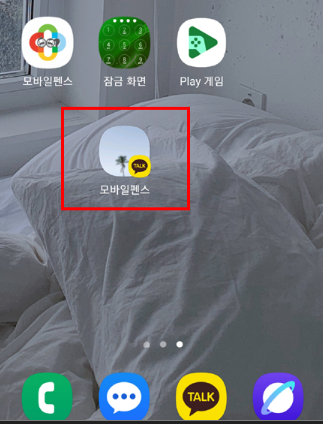
Blocking a KakaoTalk open chat while continuing to use existing open chats.
With the recent KakaoTalk update, content from open chats that have not been joined is now being exposed, which has caused issues where children may waste time unnecessarily. Accordingly, the "Block Open Chats in KakaoTalk" feature has been applied to prevent access to the Open Chat tab itself.
To continue using open chat rooms that you have already joined, please follow the settings below.
1. Temporarily disable the "Block Open Chats in KakaoTalk" feature.
[Rules Settings → Apps → Labs → Block Open Chats in KakaoTalk → Off]
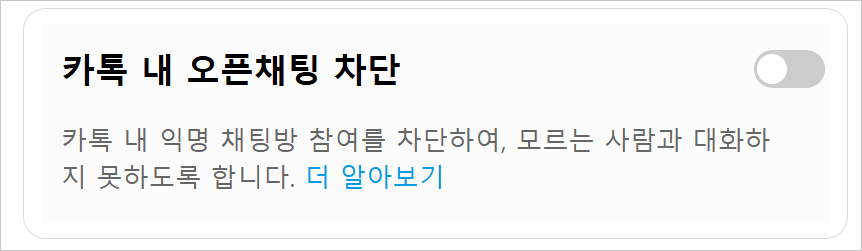
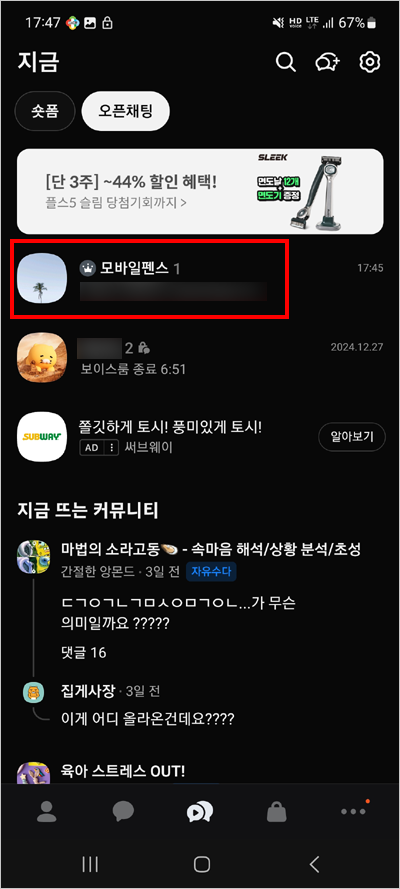
2. Enter the necessary open chat rooms, such as those for school or private academies.
3. Long-press the chat room you have entered.
4. Select "Add shortcut to home screen."
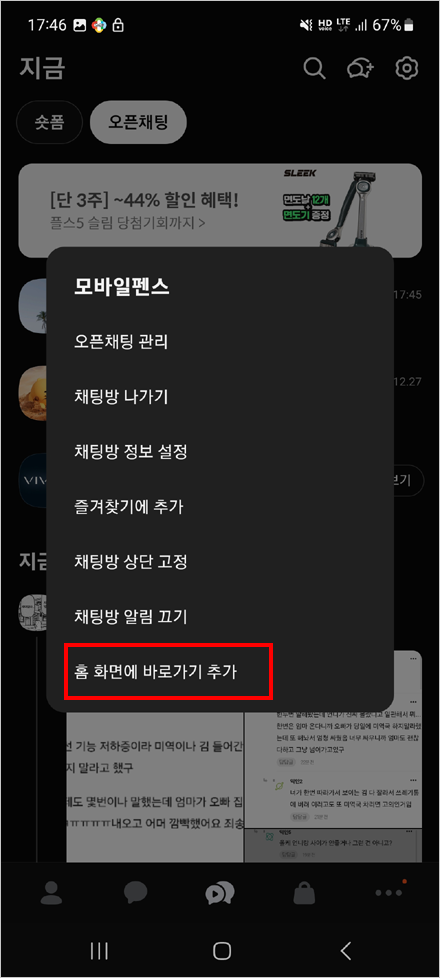
5. Select "Add."
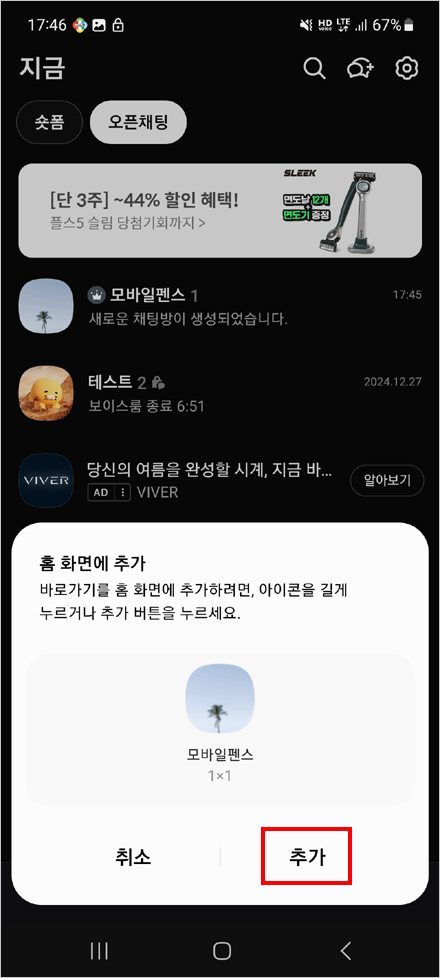
6. Re-enable the "Block Open Chats in KakaoTalk" feature.
[Rules Settings → Apps → Labs → Block Open Chats in KakaoTalk → On]

7. You can now access the open chat room using the shortcut icon created on your home screen.